
General recognition
A starting point for checking the names of familiar objects and living things. The API accepts it as general mode.
KORENANI is a children's image-recognition learning app for learning object names from everyday photos. Families can review general, plant, and insect recognition results, hear labels and explanations with text-to-speech, and connect the experience to child profiles and learning data.
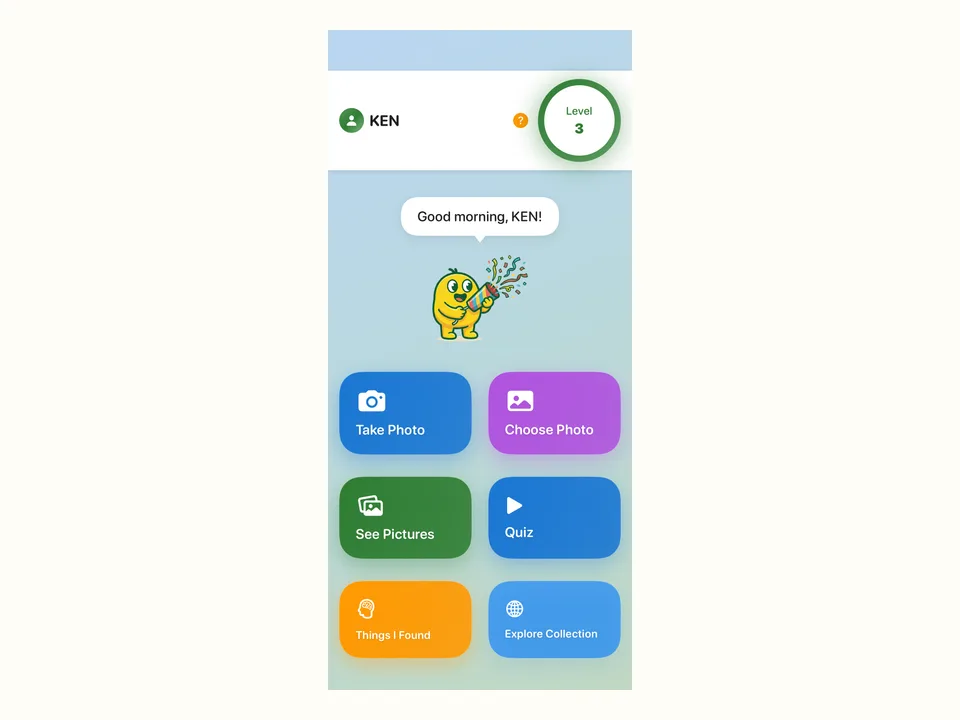
KORENANI
KORENANI is built around using camera or photo-library images for educational object recognition and multilingual learning. It is designed for parents with children ages 3 to 8, and the documented app age rating is 4+. A photo can become a shared starting point for reviewing a name, a short explanation, and audio together.
Recognition
KORENANI recognition modes are general, plant, and insect. General recognition connects to image analysis, plant recognition connects to plant identification, and insect recognition connects to insect identification.
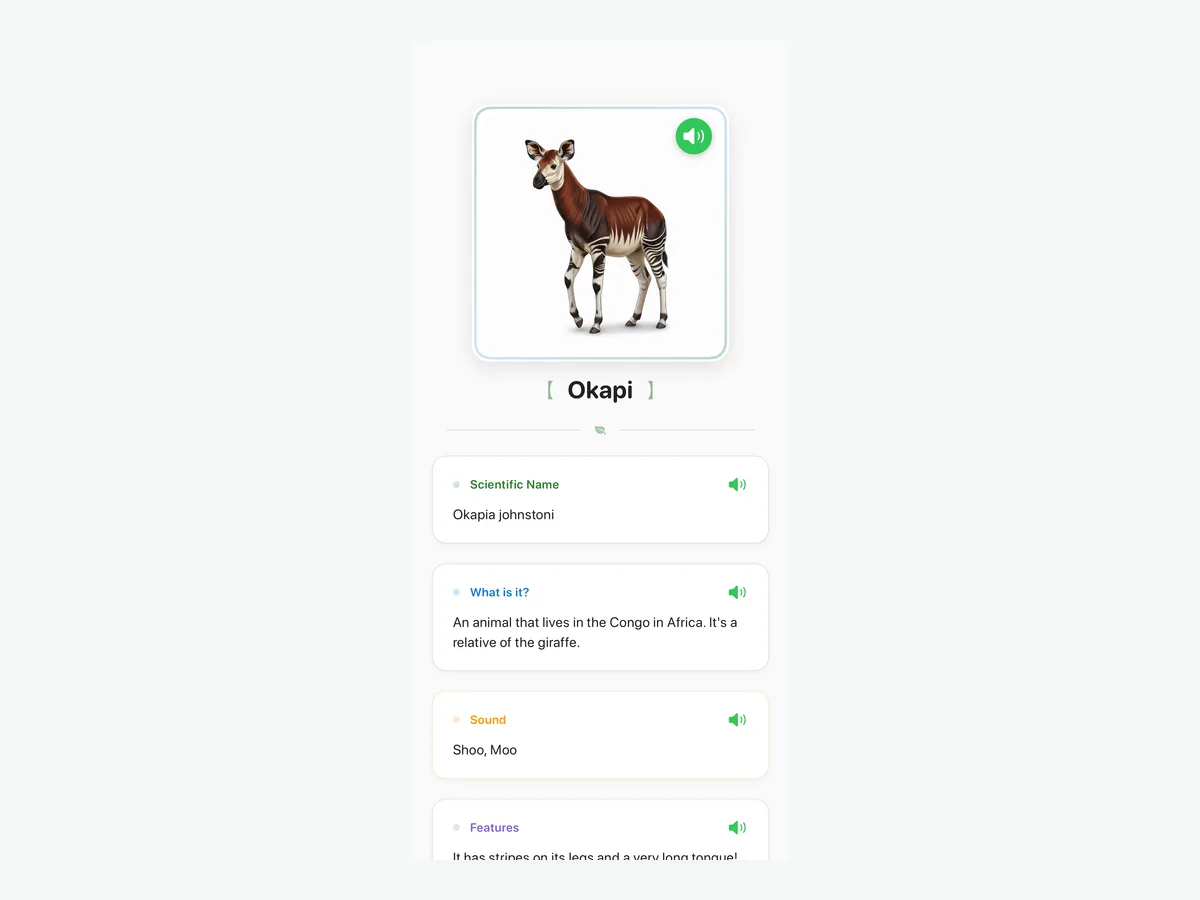
A starting point for checking the names of familiar objects and living things. The API accepts it as general mode.
A mode that sends plant images to plant-identification processing so plant learning can be separated from general recognition.
A mode that sends insect images to insect-identification processing for reviewing insects a child has noticed.
Text-to-speech
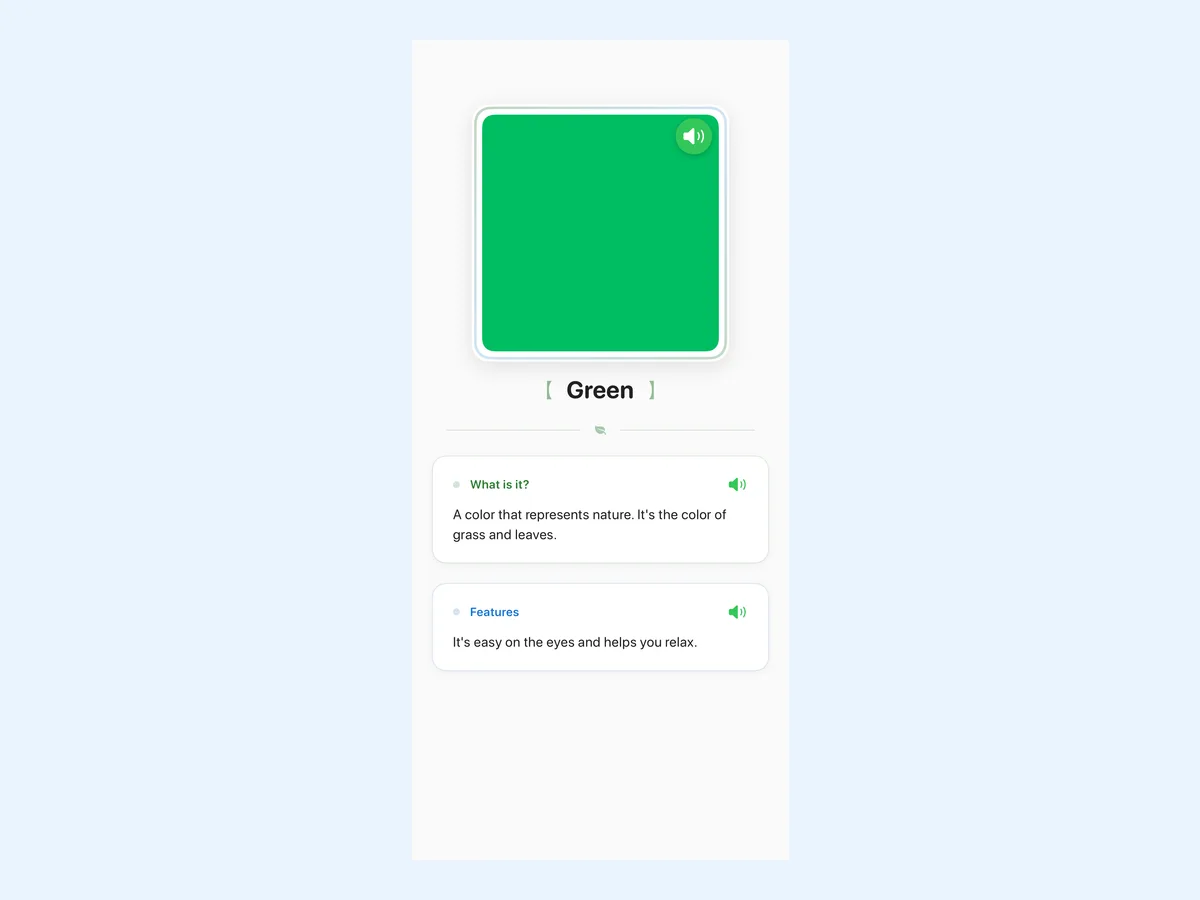
KORENANI generates audio for recognized-object labels and details. The iOS and API language definitions include text-to-speech related settings for Japanese, English, Spanish, French, German, Italian, Portuguese, Chinese, and Korean.
Audio supports the moment after recognition: families can see a label, read a short detail, and hear the wording aloud. That makes the same photo useful for reviewing a word in more than one language.
Workflow
Choose a photo, review the recognition result, then listen to labels and details. Around that workflow, the app areas handle images, recognition results, audio, child profiles, and learning records.

01
Choose an image from the camera or photo library as the learning starting point.

02
Check the result from the general, plant, or insect recognition mode.

03
Listen to labels and explanations, then revisit the same object in another language.
Plans
The plan names are FREE, LITE, STANDARD, and PREMIUM. For prices, check the amount shown at purchase time. This site compares monthly quotas and storage limits.
The quotas below cover monthly general, insect, and plant recognition counts. Manual generation and storage limits are explained separately on the plans page.
General 10 / Insect 5 / Plant 5
A basic starting allowance.
General 50 / Insect 5 / Plant 5
More room for general recognition.
General 50 / Insect 25 / Plant 25
A broader allowance across plant and insect modes.
General 100 / Insect 50 / Plant 50
The widest recognition allowance.
FAQ
KORENANI is for parents with children ages 3 to 8. The documented app age rating is 4+.
General, plant, and insect recognition modes are available. General connects to image analysis, plant to plant identification, and insect to insect identification.
For non-manual and non-keyword recognition, image data is sent to the API, where uploaded image files are received and used for recognition processing.
Check the amount shown at purchase time. The plans page compares monthly quotas and storage limits.
Guides
The guides cover object-name learning, recognition modes, multilingual text-to-speech, plans, and the image-recognition data flow.
Go to KORENANI Guidesfeature
A clear explanation of general, insect, and plant recognition in KORENANI.
guide
A practical guide to photo-based object-name learning with KORENANI.
privacy
How photo data moves through recognition processing and what related data is stored.
Parents can check recognition modes, monthly quotas, and data handling on focused public pages before using the app.